

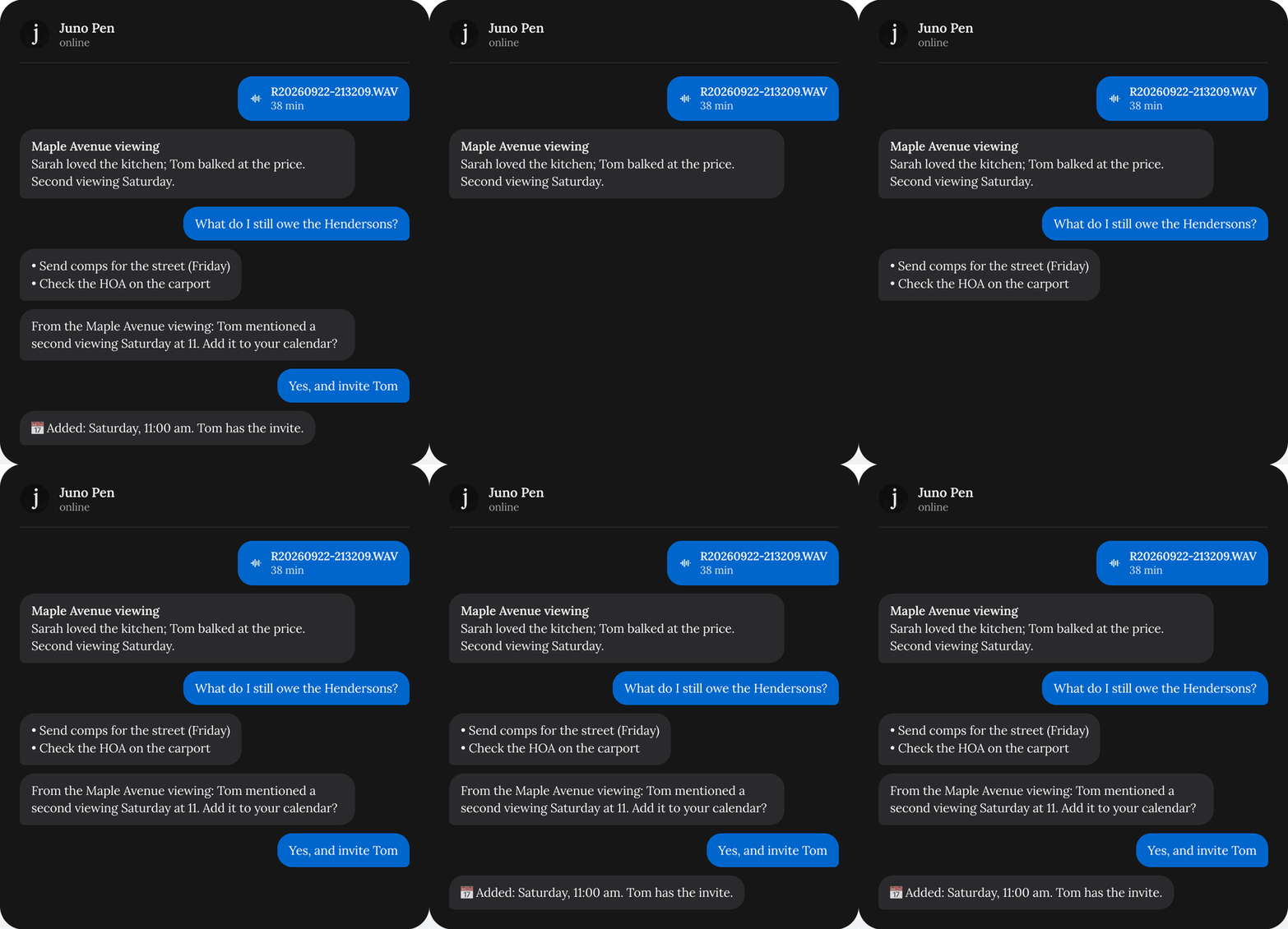
Choose which messages you get
1
Go to Settings → WhatsApp
The Messages from Juno card shows up once your phone is linked.
2
Turn messages on or off
Let Juno message me first turns them all on or off. Below it, switch each kind on or off.
The messages Juno sends without you asking, and how to choose which ones.
Go to Settings → WhatsApp
Turn messages on or off