After each recording, Juno looks for things it can help with:
  • someone proposed a meeting → Add to calendar
  • you promised something by a date → Remind me
  • an exam, a memo or a plan came up → Create the page in Notion or Google Docs
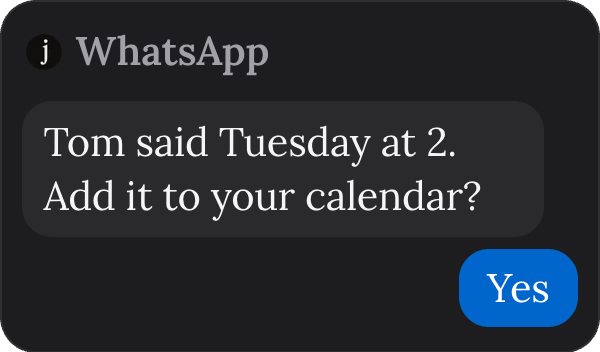
Every offer also has Not now. A WhatsApp message from Juno: Tom said Tuesday at 2. Add it to your calendar? The reply is Yes.

Where you see offers

  • On Home, the Juno card says N things need you. When there’s nothing left, it says You’re all caught up. What Juno did shows the last 14 days.
  • On a recording, at the top: N things I can do for you.
  • On WhatsApp, right after a recording is ready. Reply “yes”, or “yes to 3” for the third offer.
If no time was said for a meeting, Juno asks What time? You can also choose Make it to-dos instead. If both Notion and Google Docs are connected, Juno asks where to make the page, and remembers for next time.

Worth a second look

On Home, Worth a second look shows things said once this week that are easy to lose, like a price someone named.

Coming up

Under the Juno card, a line tells you what Juno will message you about next, or I’ll message you when something comes up.